How to Build Behavior-Triggered Workflows in SaaS
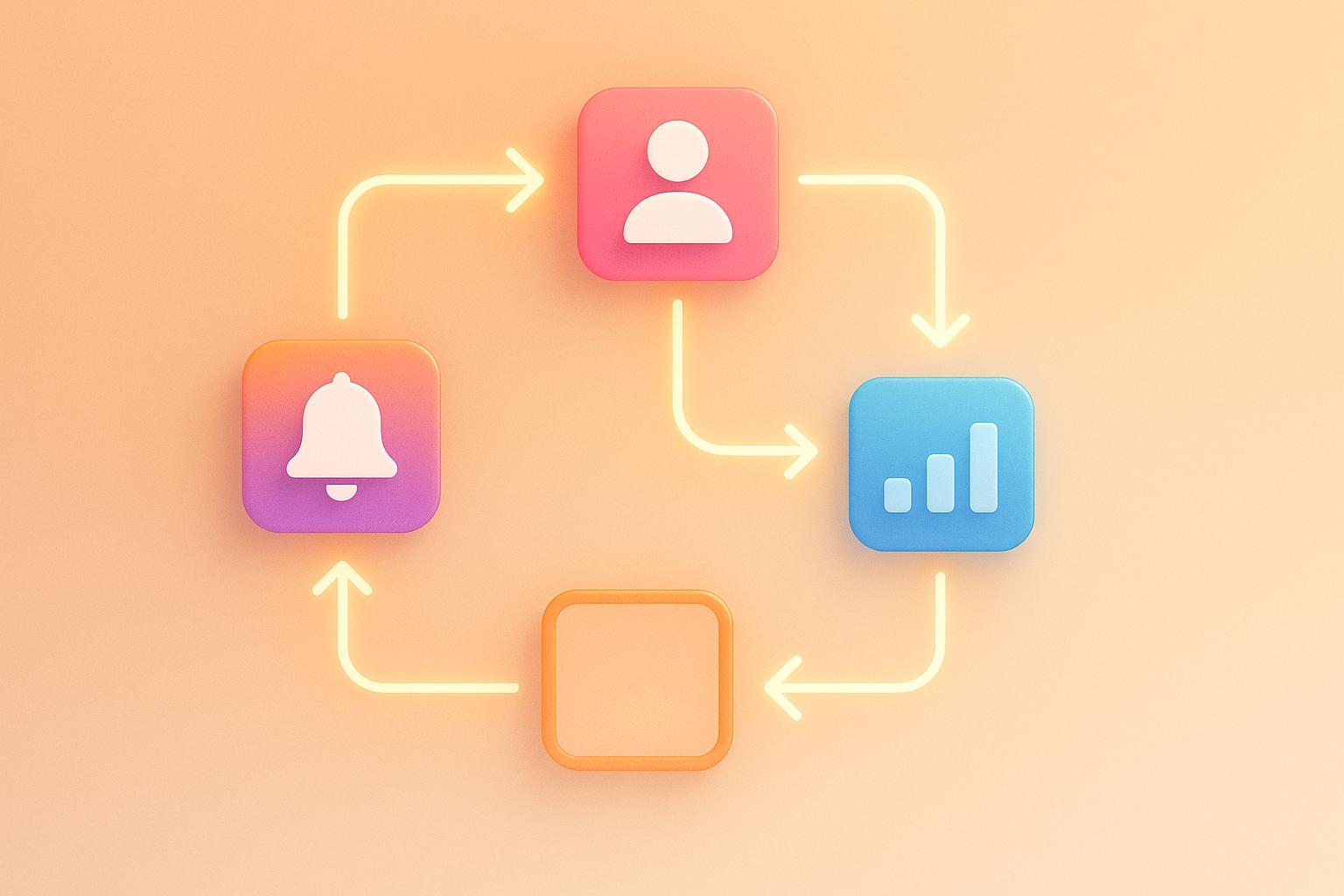
Behavior-triggered workflows automatically respond to user actions within SaaS platforms to enhance engagement, retention, and user satisfaction. Here’s how they work:
- What They Are: Automated processes triggered by user behavior, like completing a profile or skipping features.
- Why They Matter: They save time, personalize experiences, and provide timely support to reduce churn.
- How to Build Them:
- Identify key user actions (e.g., logins, feature usage, payment updates).
- Segment users by behavior (e.g., daily users, free vs. paid accounts).
- Set triggers (e.g., 14 days of inactivity, high feature usage).
- Automate responses (e.g., in-app notifications, emails, SMS).
- Test and optimize workflows for better results.
Key Tools: Use platforms with AI-driven personalization, multi-channel communication, and analytics. Start small, track performance, and refine as needed.
Pro Tip: Balance automation with human touch for complex or sensitive interactions.
Behavior-triggered workflows can drive conversions, reduce churn, and improve user satisfaction when implemented strategically.
Using HubSpot Custom Events in Workflows
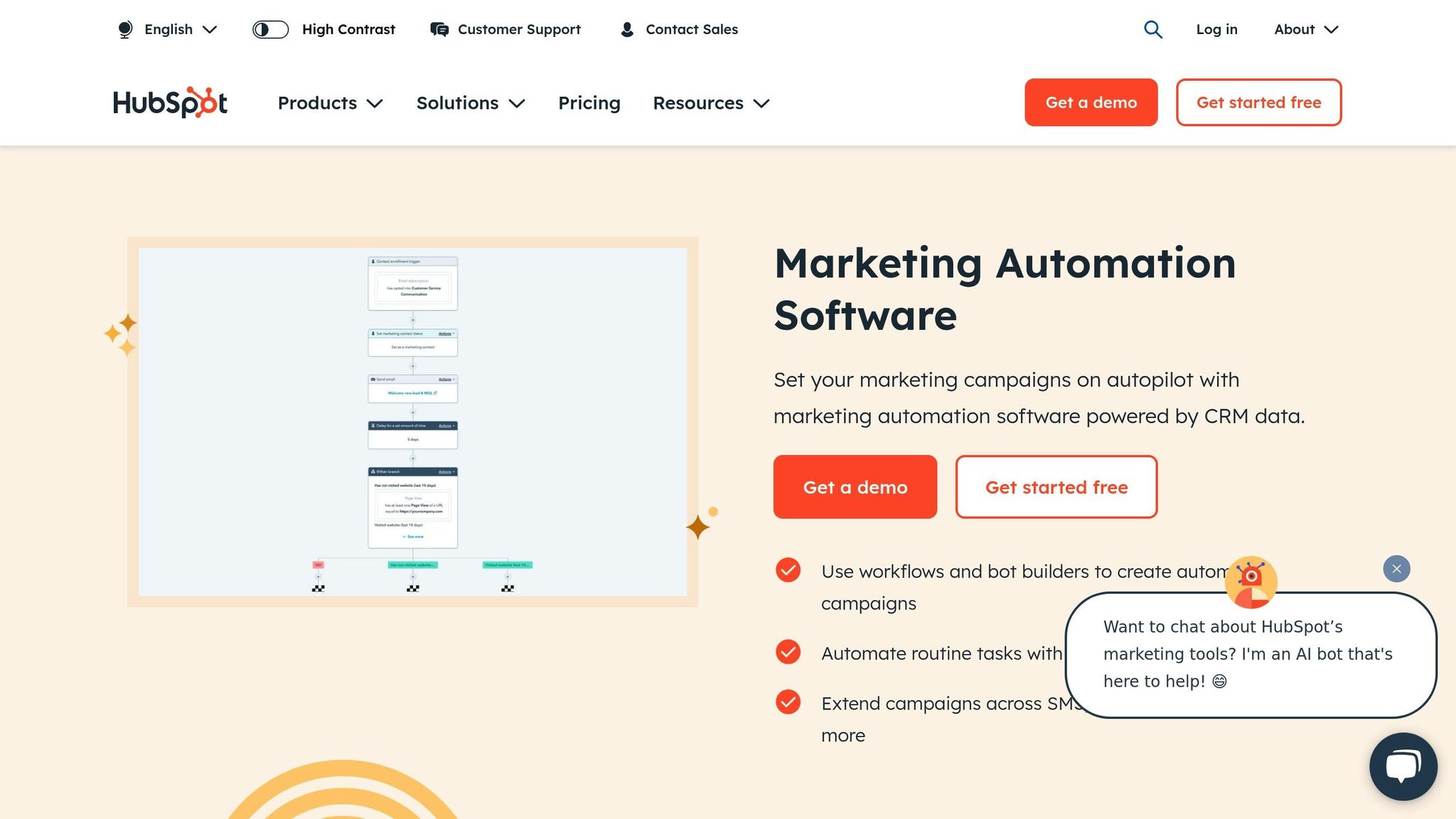
Core Elements of Behavior Triggers
Behavior-triggered workflows rely on specific components to deliver targeted, automated responses effectively.
User Actions as Triggers
Workflows are often set into motion by user actions. These actions generally fall into two main categories:
Key Actions:
- Activating or deactivating features
- Changing account settings
- Upgrading or downgrading subscription plans
- Updating payment methods
- Completing user profiles
Usage Patterns:
- Shifts in login frequency
- Levels of engagement with specific features
- Time spent in particular sections
- Rates of resource usage
- Adding or disconnecting integrations
User Groups and Rules
To ensure more precise responses, users can be segmented, and specific rules can guide workflow paths.
Segmentation Examples:
- Frequency of use (e.g., daily users vs. sporadic users)
- Subscription type (e.g., free, pro, enterprise)
- Adoption of key features
- Account age
- Team size or number of collaborators
Rules engines evaluate various factors to map out workflows. Here are some examples:
| Rule Type | Purpose | Example |
|---|---|---|
| Time-based | Triggered by timing | No login activity for 14 days |
| Action sequence | Based on task completion | Completed 3 out of 5 onboarding tasks |
| Usage threshold | Activity milestones | Used a feature 10+ times |
| Combined conditions | Multiple criteria | High usage + Premium subscription |
Response Types
Responses should align with the user's actions and preferences. These typically fall into two categories:
Immediate Responses:
- In-app notifications
- Push alerts for browsers
- Mobile app notifications
- Live chat messages
- Pop-up modal dialogs
Delayed Responses:
- Email campaigns
- SMS updates
- Links to help articles
- Video tutorials
- Scheduled follow-ups or check-ins
For example, urgent updates like security warnings might require push notifications, while onboarding tips are better suited for emails or in-app messages.
Each response should include:
- A clear call-to-action
- Relevant and concise context
- Personalized details
- A clear benefit to the user
- An easy way to opt out if needed
Building Your First Workflow
Setting Goals and Target Actions
Start by defining SMART goals - specific, measurable, achievable, relevant, and time-bound - that align with your user actions and business objectives. For example, you might aim to boost trial-to-paid conversions, reduce churn, or increase engagement with key features.
A real-world example: ActiveCampaign reported a 25% increase in trial-to-paid conversions and an extra $150,000 in monthly recurring revenue by using targeted workflows [1].
To identify the right target actions, focus on key user behaviors:
| User Stage | Target Actions | Workflow Goal |
|---|---|---|
| Onboarding | Feature activation, profile completion | Increase product adoption |
| Active Use | Regular logins, feature engagement | Boost user retention |
| At-risk | Declining usage, missed payments | Prevent customer churn |
| Upgrade-ready | High feature usage, team expansion | Drive account expansion |
Once your goals are clear, the next step is to choose tools that can automate these workflows effectively.
Selecting Workflow Tools
Choose automation tools that fit seamlessly into your tech stack while addressing your workflow needs. Look for platforms offering:
- AI-driven personalization
- Multi-channel communication (email, SMS, in-app)
- Advanced user segmentation
- Performance tracking and analytics
- Data privacy compliance
If you're unsure where to start, check out the Top SaaS & AI Tools Directory for recommendations tailored to your requirements [1]. Make sure your chosen tools can handle both instant and delayed responses.
Implementation Steps
Here’s how to get your behavior-triggered workflows up and running:
-
Map the User Journey
Create a detailed map of your user journey, highlighting key touchpoints and trigger events. For each stage, document the actions you want users to take and the outcomes you expect. -
Set Up Triggers
Define the conditions that will activate your workflows. These could include:- Time-based events (e.g., 14 days of inactivity)
- Usage milestones (e.g., reaching 80% of a feature limit)
- Action sequences (e.g., completing 3 out of 5 onboarding steps)
-
Design the Response Flow
Build a clear sequence that provides value at every interaction:- Draft personalized message templates
- Use conditional logic for tailored responses
- Schedule wait times between actions
- Add strong, actionable CTAs
-
Test and Optimize
Before rolling out your workflows, test thoroughly:- Conduct A/B tests on messaging
- Confirm triggers are firing as expected
- Check response timing for delays or overlaps
- Analyze user engagement metrics to fine-tune
sbb-itb-9cd970b
Workflow Success Tips
AI-Powered Personalization
Here are three ways to make the most of AI for personalization:
- Behavioral Analysis: Use AI tools to study patterns in user behavior and predict their next moves.
- Content Customization: Tailor your messages automatically using AI-driven email marketing automation based on user preferences and past interactions.
- Timing Optimization: Let AI figure out the best time to send messages by analyzing user activity.
For tools that can help automate these tasks while keeping communications personal, check out the Top SaaS & AI Tools Directory.
After setting up personalization, focus on aligning your messaging across multiple channels.
Channel Coordination
Here’s how to ensure consistent messaging across different channels:
| Channel | Best Use Case | Timing Strategy |
|---|---|---|
| Detailed updates & newsletters | During business hours, spaced 24-48 hours apart | |
| SMS | Time-sensitive notifications | Immediate, for critical updates only |
| In-app | Feature announcements & tooltips | During active user sessions |
| Push notifications | Re-engagement & quick updates | Adjusted to the user’s time zone |
Consistency is key. While the message should stay the same, adapt the format to fit each channel. Keep an eye on user preferences and tweak your approach as needed.
Once your channels are aligned, it’s time to measure how well they’re working.
Performance Tracking
To gauge success, keep an eye on these metrics:
1. Engagement Metrics
Measure open rates, click-through rates, and response times across all channels. Compare results across different user groups to fine-tune your targeting.
2. Conversion Tracking
Understand how your workflows affect your business by monitoring:
- How many users adopt new features
- Trial-to-paid conversion rates
- Retention rates over time
- Revenue generated by each workflow
3. Technical Performance
Ensure everything runs smoothly by checking trigger accuracy, delivery rates, response times, and error rates. This helps maintain a reliable and efficient system.
Measuring Results and Legal Requirements
Performance Metrics
To evaluate workflow success and identify areas for improvement, focus on key performance metrics. Make sure the goals you set are practical and achievable.
| Metric Category | Key Indicators |
|---|---|
| User Engagement | Time spent in workflow, number of actions taken |
| Response Quality | Resolution time, customer satisfaction ratings |
| Business Impact | Revenue generated per workflow, cost reductions |
| Technical Health | System uptime, error rates |
Data Privacy Rules
Following data privacy regulations is just as important as hitting performance goals. Use these practices to safeguard user data and maintain trust:
- Obtain clear consent before collecting data.
- Store information in systems compliant with GDPR and CCPA.
- Keep detailed records of how data is processed.
- Offer users the ability to opt out.
- Regularly assess privacy practices and update them as needed.
Ensure your privacy policies are easy to find, regularly reviewed, and updated to reflect any changes in regulations.
Human vs Automated Responses
Finding the right balance between automation and human involvement is key to maintaining an effective workflow:
-
Automated Responses
Leverage AI tools for tasks like initial interactions, gathering data, follow-ups, lead scoring, and status updates. -
Human Intervention
Assign human agents to handle complex issues, high-value interactions, sensitive topics, and building long-term relationships. -
Hybrid Approach
Create a seamless handoff between AI and human agents to maintain both efficiency and a personal touch. Use AI to assist human agents, not replace them, and continually monitor satisfaction levels to ensure a balanced approach.
These strategies, along with a marketing automation checklist, can help refine your workflows as you move forward.
Next Steps
Main Points Review
To create workflows that deliver results, start by analyzing how users interact with your platform. Use this data to pinpoint key moments that align with your business objectives.
Here are the key elements to focus on:
- User Behavior Analysis: Monitor actions like page views, feature usage, session length, and interactions. This data helps in identifying key features that drive user adoption. This data highlights areas where engagement or conversion can improve. Make sure tracking is in place before launching any automation.
-
Automation Framework: Choose tools that support:
- Real-time triggers
- Multi-channel responses
- A/B testing
- Performance tracking dashboards
- Optimization Strategy: Set up a plan to refine workflows based on metrics like engagement, conversions, and customer satisfaction. Use this data to make ongoing improvements.
With these steps in place, you’ll be ready to choose the right tools and move forward with implementation.
Getting Started Guide
Start by checking out the Top SaaS & AI Tools Directory. This directory lists tools tailored for:
- Customer relationship management
- Marketing automation
- Lead generation
- Data analysis
- AI-driven personalization
When evaluating tools, look for these features:
- Free trial options
- Comprehensive documentation and support
- Easy integration with your existing systems
- Flexible pricing that scales with your needs
For your initial setup, focus on tools that offer robust analytics and reporting. These features are essential for tracking the success of your workflows and making informed adjustments.
FAQs
How do behavior-triggered workflows help reduce customer churn in SaaS platforms?
Behavior-triggered workflows can significantly reduce customer churn by addressing user needs and concerns in real-time. These workflows are designed to respond to specific user actions - such as inactivity, feature usage, or cancellation attempts - with targeted interventions like helpful tips, personalized offers, or re-engagement emails.
By proactively engaging users based on their behavior, SaaS platforms can enhance the customer experience, build stronger relationships, and encourage long-term loyalty. This approach not only helps retain customers but also provides valuable insights into user behavior to improve overall product strategies.
What are the best practices for testing and improving behavior-triggered workflows in SaaS platforms?
Testing and optimizing behavior-triggered workflows is essential for ensuring they perform effectively and meet user needs. Here are some best practices to follow:
- Start with clear goals: Define measurable objectives for your workflows, such as increasing user engagement or reducing churn.
- Use A/B testing: Test different versions of workflows to see which performs better. For example, experiment with variations in timing, messaging, or triggers.
- Monitor key metrics: Track metrics like conversion rates, click-through rates, and user retention to evaluate the success of your workflows.
- Gather user feedback: Regularly collect input from users to identify pain points and areas for improvement.
By consistently testing and refining your workflows, you'll create a more personalized and effective experience for your users, ultimately driving better results for your SaaS platform.
How can I make sure my behavior-triggered workflows follow data privacy laws like GDPR and CCPA?
To ensure your behavior-triggered workflows comply with data privacy regulations like GDPR and CCPA, start by collecting only the data you truly need and make sure to inform users about how their data will be used. Always obtain explicit consent before tracking or processing personal information.
Implement robust security measures to protect user data and regularly review your workflows for compliance with evolving regulations. It's also a good idea to consult with legal experts to ensure your practices align with the latest privacy laws and standards.