10 Best CRMs for ERP Integration in 2025

Looking for the best CRM for ERP integration? Here’s a quick guide to help you choose. Integrating CRM and ERP systems ensures seamless data flow, real-time updates, and efficient business processes. Below are the top 10 CRMs for ERP integration in 2025, evaluated based on integration capabilities, compatibility, customization, scalability, and cost.
Top Picks:
- Salesforce: Best for flexibility with robust API support and native connectors for SAP, Oracle, and Microsoft.
- Microsoft Dynamics 365: Combines CRM and ERP functions with real-time data sync, perfect for businesses already in the Microsoft ecosystem.
- SAP Customer Experience: Ideal for SAP ERP users, offering real-time syncing with SAP S/4HANA.
- Oracle CX: Excellent for Oracle ERP users with built-in integration and advanced workflow automation.
- NetSuite CRM: Part of Oracle NetSuite, designed for seamless integration with its ERP system.
- Zoho CRM: Affordable and versatile, integrates with multiple ERP systems like SAP and QuickBooks.
- HubSpot CRM: User-friendly with pre-built connectors and workflow automation.
- Odoo CRM: Best for businesses using Odoo ERP, with native integration and modular design.
- SugarCRM: Simplifies ERP integration with visual tools and real-time data syncing.
- Acumatica CRM: Built for Acumatica ERP users, offering bi-directional sync and a unified dashboard.
Quick Comparison:
| CRM Solution | Native ERP Integrations | Starting Price/User/Month | Best For |
|---|---|---|---|
| Salesforce | SAP, Oracle, Microsoft | $25 | Flexibility and API-driven integrations |
| Microsoft Dynamics 365 | Business Central, F&O | $65 | Microsoft ecosystem users |
| SAP Customer Experience | SAP S/4HANA, SAP Business One | Custom Pricing | SAP ERP users |
| Oracle CX | Oracle ERP Cloud | Custom Pricing | Oracle ERP users |
| NetSuite CRM | NetSuite ERP | $99 | Businesses growing with NetSuite ERP |
| Zoho CRM | Zoho Books, QuickBooks, SAP | $14 | Budget-friendly ERP integrations |
| HubSpot CRM | SAP, Oracle, NetSuite | Free (basic), $45 | Ease of use and small businesses |
| Odoo CRM | Odoo ERP | $24 | Modular ERP-CRM integration |
| SugarCRM | SAP, Oracle, NetSuite | $52 | Simplified integration setup |
| Acumatica CRM | Acumatica ERP | Consumption-based | Acumatica ERP users |
Pro Tip: When choosing a CRM for ERP integration, prioritize compatibility with your ERP system, real-time data syncing, and total cost of ownership. Start small and scale up as your business grows. Utilizing an AI tool stack can further streamline these operations.
CRM vs ERP - What's the Difference?
How We Picked the Best CRMs for ERP
To find the top CRM solutions that work well with ERP systems, we focused on key performance and integration factors. These criteria helped us evaluate how well each CRM integrates with ERP systems while maintaining strong performance.
Integration
We looked at how easily each CRM connects with popular ERP systems. Key factors included:
- Native connectors: Built-in options that eliminate the need for extra tools.
- API support: Flexible and deep integration capabilities.
- Data synchronization speed: Whether updates happen in real time or in batches.
- Field mapping flexibility: Options to customize how data flows between systems.
ERP Compatibility
We checked whether each CRM works with cloud-based systems (like SAP S/4HANA Cloud, Oracle Cloud ERP, NetSuite), on-premises solutions (e.g., SAP Business One, Microsoft Dynamics GP, Epicor), and hybrid ERP setups (e.g., Oracle E-Business Suite, Microsoft Dynamics 365).
Customization
Flexibility is essential to meet business-specific needs. We reviewed:
- Options to create custom fields.
- Workflow automation features and AI-driven sales tools.
- Access to development tools and platforms.
- Support for integration middleware.
Scalability
To ensure the CRM can grow with a business, we assessed:
- Maximum number of users supported.
- Ability to handle high transaction volumes.
- Data storage capacity.
- Performance under heavy usage.
Industry-Specific Features
Different industries have unique needs, so we considered specialized features, such as:
- Manufacturing: Tools for production planning and inventory management.
- Distribution: Order processing and warehouse management capabilities.
- Professional Services: Project management and time tracking options.
- Retail: Point-of-sale integration and inventory synchronization.
Security
Protecting data is critical. We evaluated:
- Data encryption standards.
- Detailed access controls.
- Audit trail functionality.
- Compliance with certifications like SOC 2, GDPR, and HIPAA.
Total Cost of Ownership
We also analyzed the financial aspects, including:
- Licensing fees per user per month.
- Implementation costs.
- Expenses for integration development.
- Ongoing maintenance fees.
- Training requirements.
This comprehensive evaluation ensures that our recommendations align with practical business needs. Each CRM we selected performed well across these areas, making them strong choices for ERP integration.
1. Salesforce
Salesforce is a popular CRM that works well with ERP systems. Its Integration Cloud helps connect data across various ERP platforms, simplifying business processes with built-in connectors for SAP, Oracle, and Microsoft systems.
With the addition of MuleSoft, Salesforce expanded its ability to create custom API-driven connections. This allows businesses to design integrations between Salesforce and ERP systems that ensure smooth data sharing across their tech stack.
Now, let’s take a look at another key player in the CRM-ERP integration field.
2. Microsoft Dynamics 365
Microsoft Dynamics 365 combines CRM and ERP functions seamlessly within the Microsoft ecosystem. Thanks to its Common Data Service, data flows effortlessly between CRM and ERP modules, cutting out the need for third-party connectors and keeping implementation and maintenance costs lower.
Here are some standout features:
- Real-time data updates: Automatically syncs information across sales, finance, and inventory systems.
- Consistent user experience: Single sign-on and a unified interface across all modules.
- Power Platform integration: Build custom workflows and automations using tools like Power Automate and Power BI. Following a marketing automation checklist can help ensure these workflows are set up correctly.
The platform offers both cloud-based and on-premises deployment options. If your organization already uses Microsoft Business Central or Finance & Operations, you’ll find the integration process simple and quick.
Microsoft Dynamics 365 also leverages AI to provide insights that matter - think sales forecasts, customer behavior trends, and inventory suggestions. These capabilities align with advanced AI lead-gen playbooks used to scale B2B operations. These tools help businesses make smarter, data-driven decisions.
Pricing starts at $95 per user/month for Dynamics 365 Sales Enterprise, with additional costs for ERP integration modules. The platform is designed to grow with your business, making it a solid choice for mid-sized to large enterprises. You can begin with basic CRM features and expand into ERP capabilities as your requirements grow. Up next, we’ll dive into another top CRM solution.
3. SAP Customer Experience
SAP Customer Experience, previously known as SAP C/4HANA, stands out for its strong integration with SAP S/4HANA. This built-in connection allows real-time syncing between CRM and ERP systems, helping businesses streamline operations and keep their data current. This efficient integration lays the groundwork for comparing it with other top sales tools and CRM platforms.
4. Oracle CX
Oracle CX integrates seamlessly with Oracle ERP Cloud, making it a great choice for businesses already using Oracle's ecosystem. Its unified data model allows for smooth data flow between CRM and ERP, simplifying operations.
The platform's built-in integration framework eliminates the need for complex middleware, cutting down on both implementation time and ongoing maintenance costs. This setup ensures smooth cross-platform functionality while preserving data accuracy.
Oracle CX also features an automation engine that simplifies workflows across platforms. For example, when a sales order is entered into the CRM, it automatically triggers inventory checks and updates in the ERP system. This reduces manual work and ensures consistent data.
Customization is another highlight, thanks to the Configuration Workbench. Businesses can adjust the integration to meet their specific needs. Some standout features include:
- Advanced workflow tools with templates for specific industries
- Smart data mapping and transformation options
- Customizable business rules
- High-level security with detailed access controls
This platform is especially useful for large organizations managing intricate operations. It supports multi-currency transactions, offers multi-language interfaces, and complies with regional regulations, making it a solid choice for global businesses.
Oracle CX uses a microservices architecture for scalability. This means companies can start small and expand as their needs grow, keeping costs manageable while maintaining performance.
Its reporting tools combine data from both CRM and ERP systems. Pre-built dashboards and customizable reports provide a complete view of business operations, helping teams make better decisions based on integrated data.
While Oracle CX is designed to work best with Oracle ERP, integrating it with third-party ERP systems may require extra configurations or middleware.
5. NetSuite CRM
NetSuite CRM is part of Oracle NetSuite's business suite, designed to work seamlessly with ERP systems. Its SuiteCloud platform allows businesses to modify the system to fit their specific needs. You can add custom fields, set up automated workflows, and create dashboards tailored to your team.
NetSuite CRM also supports growth with its ability to manage multiple subsidiaries. Businesses can handle operations across various units, process multi-currency transactions, and navigate different tax rules - all while maintaining consolidated reporting. This makes it a strong choice for companies looking to enhance their ERP capabilities.
6. Zoho CRM
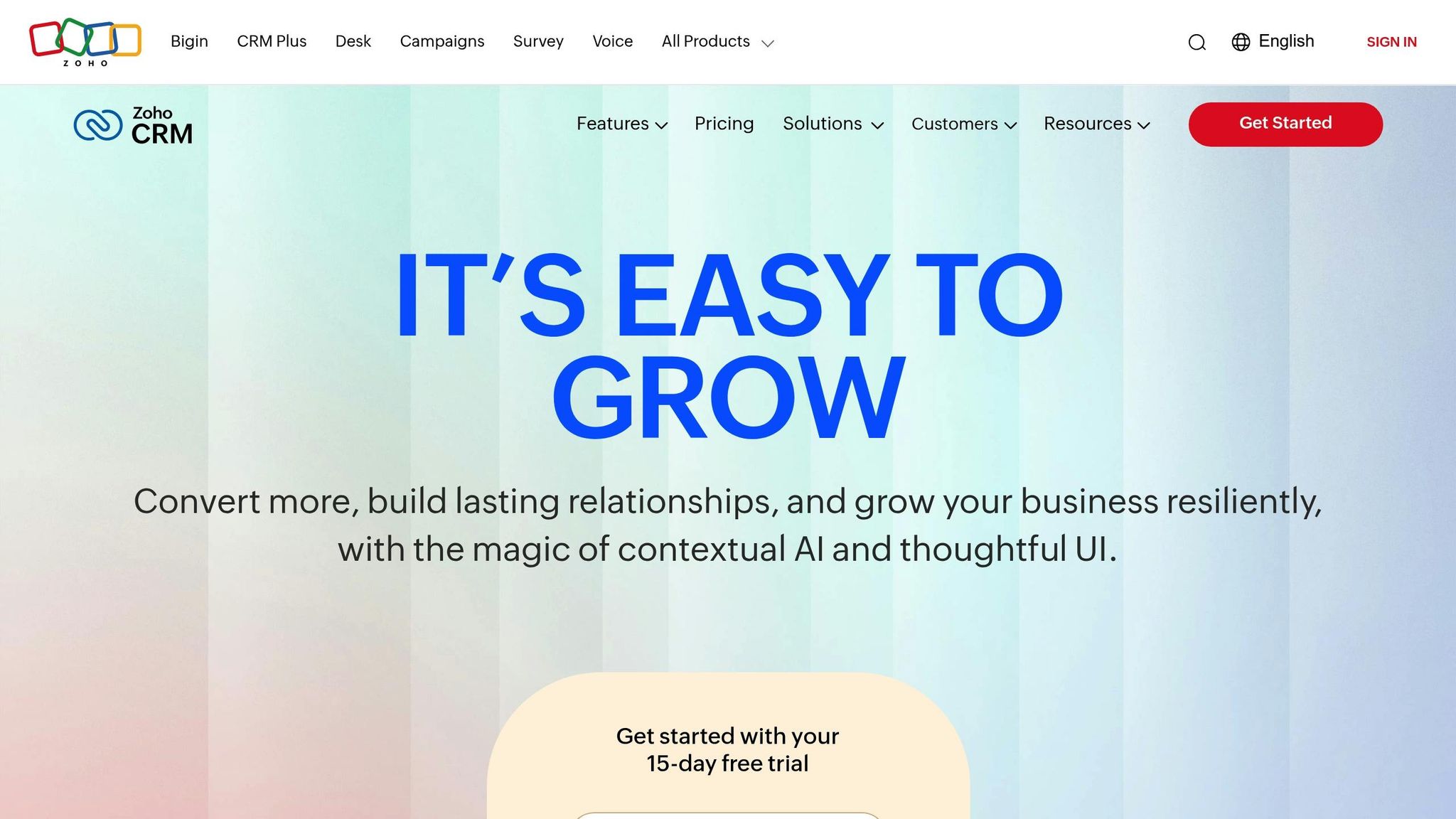
Zoho CRM provides ERP integration at an affordable price point. It connects effortlessly with ERP systems to enable real-time data syncing, minimizing manual errors and improving collaboration across departments. Up next, we’ll take a look at HubSpot CRM and its standout integration capabilities.
7. HubSpot CRM
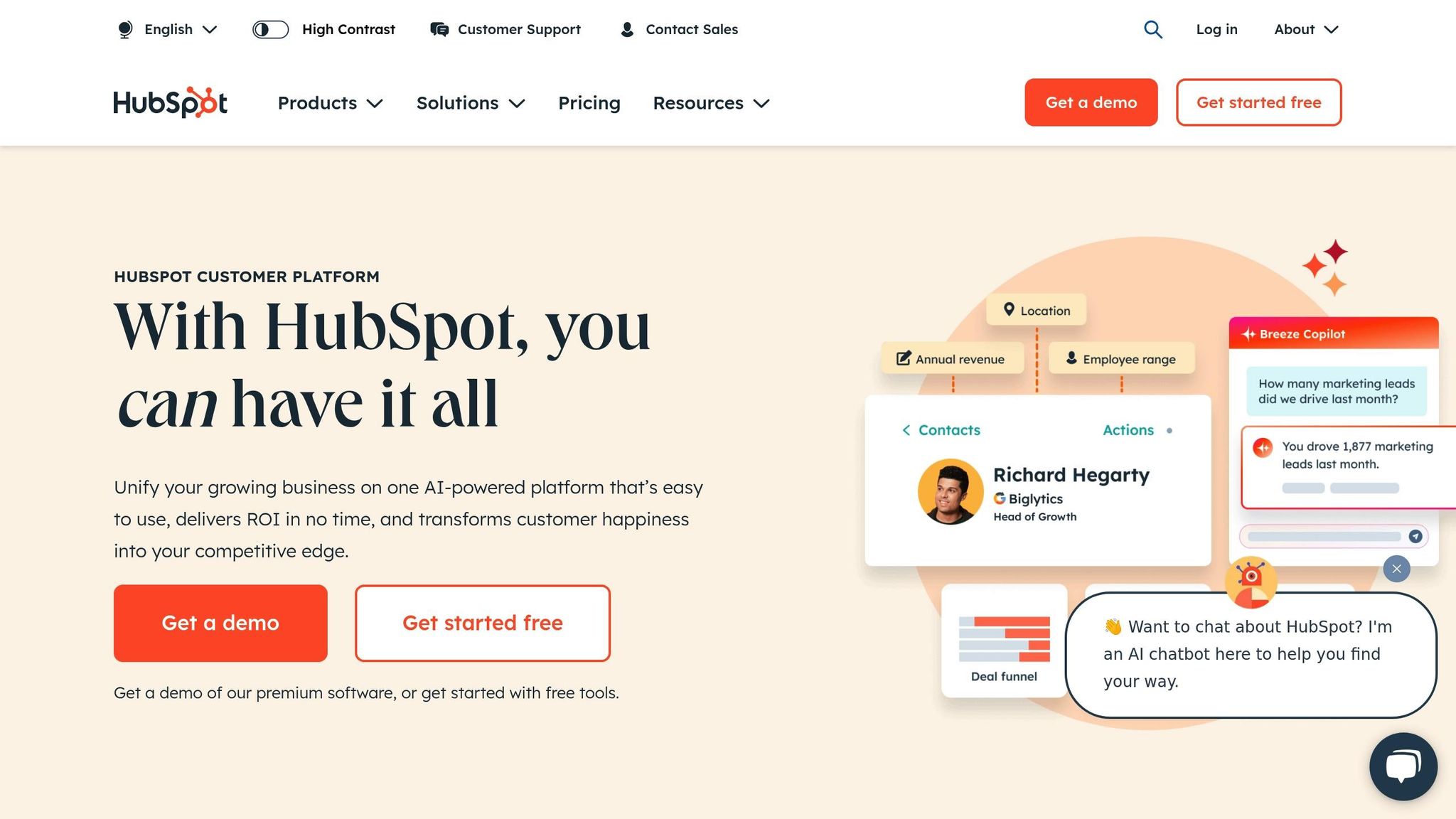
HubSpot CRM offers a powerful way to connect with ERP systems, making it easier for businesses to keep their operations in sync. It supports seamless integration through native connectors and APIs, making it suitable for companies of all sizes. Key features include:
- Pre-Built Connectors: Ready-to-use integration tools for popular ERP systems like SAP, Oracle, and NetSuite.
- Real-Time Data Sync: Ensures information flows both ways, keeping everything up-to-date.
- Custom Object Integration: Lets you create and sync custom objects between your CRM and ERP.
- REST API Access: Detailed API documentation and tools for setting up custom integrations.
- Workflow Automation: Automates tasks and updates across platforms.
The Operations Hub adds even more functionality to ERP integration, including:
- Tools to improve data quality.
- Two-way syncing for consistent data across systems.
- Flexible field mapping to suit specific needs.
- Advanced filtering to fine-tune integrations.
- Programmable workflows to handle complex processes.
Up next, take a look at how Odoo CRM takes ERP integration to another level with its customization options.
8. Odoo CRM
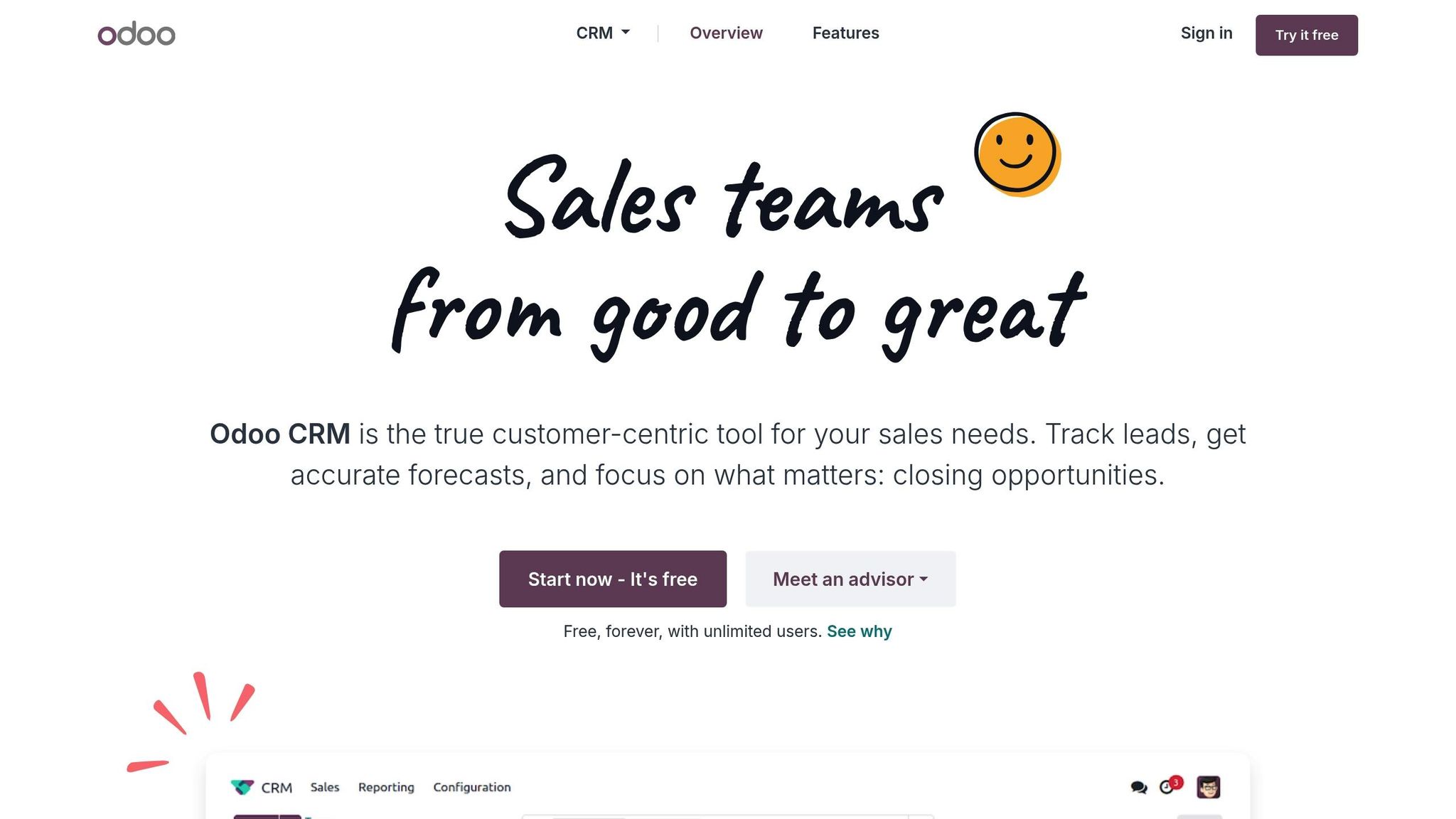
Odoo CRM is part of the Odoo ERP ecosystem, providing direct integration with Odoo's ERP modules - no extra middleware required.
Here’s what makes Odoo CRM stand out:
- Native ERP Integration: Works directly with Odoo's ERP tools.
- Third-Party Connectors: Links with other major ERP systems.
- Custom API Framework: Offers RESTful API support for tailored integrations.
These features are the core of Odoo's integration capabilities.
Odoo CRM comes with flexible pricing plans suitable for businesses of various sizes. It also allows extensive customization, enabling you to create custom fields, automate workflows between sales and inventory using AI-powered workflow automation, and design personalized dashboards to keep CRM and ERP data in sync.
With industry-specific modules, Odoo CRM is particularly useful for sectors like manufacturing, retail, and e-commerce. Its modular design means you can start small and scale up as your business grows.
9. SugarCRM
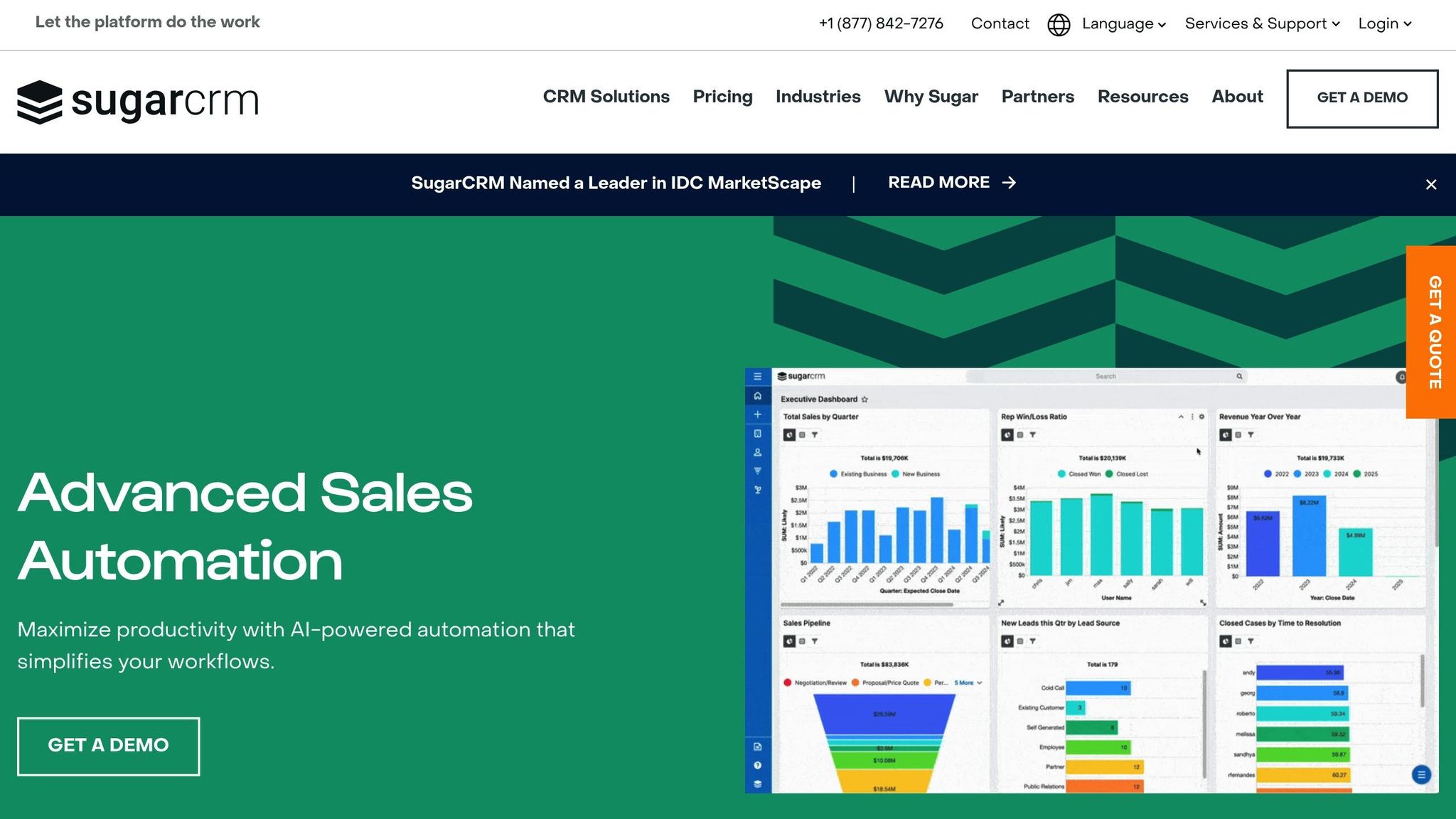
SugarCRM simplifies ERP integration with easy-to-use tools. Its Integration Studio features a visual interface that helps set up data mapping and workflows, reducing technical hurdles.
Key features include mapping critical data fields, automating real-time synchronization, and using built-in error handling and validation processes. These tools make SugarCRM a strong choice for connecting with various ERP systems.
For custom ERP setups, SugarCRM provides extensive API support and real-time monitoring, giving IT teams the ability to manage data flows efficiently and resolve issues quickly.
10. Acumatica CRM
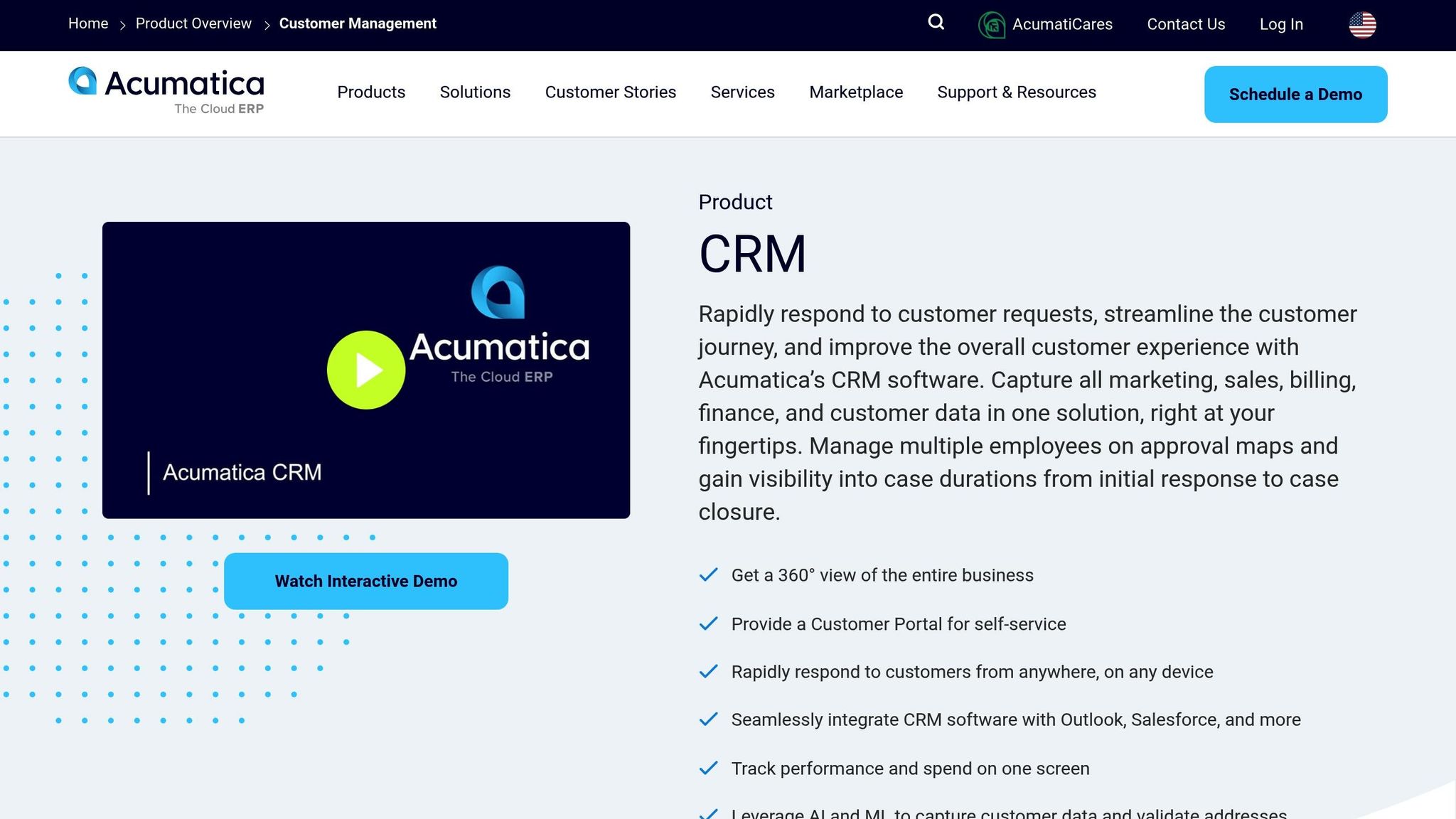
Acumatica CRM is part of Acumatica's cloud ERP platform, offering tight integration that avoids the usual headaches of standalone CRM systems. This built-in connection strengthens its feature set, making it a practical choice for businesses already using Acumatica ERP.
The platform ensures real-time data synchronization, keeping sales, finance, and inventory teams on the same page. For example, when a sales rep updates an opportunity in the CRM, the ERP system instantly adjusts financial forecasts and inventory plans to reflect the changes.
Acumatica also provides a customization framework that adapts to various business needs. With industry-standard REST APIs and custom field mapping, companies can tweak the integration to fit their specific workflows.
Here are some key integration features:
- Bi-directional sync: Automatically updates customer data, orders, and financial transactions between CRM and ERP modules.
- Unified dashboard: Combines CRM and ERP tools into a single interface for easier access.
- Role-based access: Allows teams to control who can view or edit specific data.
Its mobile-first design ensures field sales teams can access real-time ERP data on their devices, including inventory levels, pricing, and customer credit details.
The platform also supports tools for:
- Multi-company operations
- Complex automated workflows
- Custom business logic
- Third-party system connections
Acumatica CRM is best suited for organizations already using or planning to adopt its ERP solution. If you're looking for a standalone CRM, this might not be the right fit.
The platform operates on a consumption-based pricing model, where costs depend on computing resources and storage rather than the number of users. This is one of several SaaS pricing models businesses use to align costs with value. This setup is ideal for businesses with seasonal changes in system usage, offering flexibility as they grow.
CRM Features and Pricing Comparison
Here's a quick overview of CRM solutions, focusing on their ERP integration features and pricing. The tables below summarize the key details, making it easier to compare options side by side. These platforms often integrate with AI tools for SaaS growth to further streamline operations.
Integration Capabilities Comparison
| CRM Solution | Native ERP Integrations | API Support | Real-time Sync |
|---|---|---|---|
| Salesforce | SAP, Oracle, NetSuite | REST, SOAP | Yes |
| Microsoft Dynamics 365 | Business Central, Finance & Operations | REST, OData | Yes |
| SAP Customer Experience | SAP S/4HANA, SAP Business One | REST, OData | Yes |
| Oracle CX | Oracle ERP Cloud, JD Edwards | REST, SOAP | Yes |
| NetSuite CRM | NetSuite ERP | REST, SOAP | Yes |
| Zoho CRM | Zoho Books, QuickBooks, SAP | REST, GraphQL | Yes |
| HubSpot CRM | NetSuite, SAP, Oracle | REST | Partial |
| Odoo CRM | Odoo ERP | XML-RPC, REST | Yes |
| SugarCRM | SAP, Oracle, NetSuite | REST | Yes |
| Acumatica CRM | Acumatica ERP | REST | Yes |
Pricing Comparison
| CRM Solution | Starting Price/Month | Per-User Pricing | Implementation Fees |
|---|---|---|---|
| Salesforce | $25/user | Yes | $5,000 - $50,000+ |
| Microsoft Dynamics 365 | $65/user | Yes | $10,000 - $100,000+ |
| SAP Customer Experience | Custom pricing | Yes | $25,000 - $200,000+ |
| Oracle CX | Custom pricing | Yes | $20,000 - $150,000+ |
| NetSuite CRM | $99/user | Yes | $15,000 - $100,000+ |
| Zoho CRM | $14/user | Yes | $2,000 - $20,000 |
| HubSpot CRM | Free (basic), $45/user | Yes | $3,000 - $25,000 |
| Odoo CRM | $24/user | Yes | $5,000 - $30,000 |
| SugarCRM | $52/user | Yes | $10,000 - $75,000 |
| Acumatica CRM | Consumption-based | No | $15,000 - $100,000 |
Costs can vary depending on your specific business requirements, so these figures should be used as a general guide.
Final Thoughts and Recommendations
Choosing the right CRM depends on your business size, industry needs, and existing systems. For large enterprises, platforms like Salesforce and Microsoft Dynamics 365 offer extensive features. Mid-sized businesses might prefer integrated tools such as NetSuite CRM or Zoho CRM, while small businesses and startups often find HubSpot CRM a great fit due to its ease of use. Picking the right tool can make integration smoother and more effective.
When narrowing down your options, pay attention to these key points:
- API compatibility with your ERP system to ensure seamless integration
- Data synchronization for accurate and timely updates
- Total cost of ownership, factoring in implementation, training, and ongoing maintenance
To ensure success, plan for a phased rollout and prioritize staff training. Testing during deployment helps maintain data accuracy and keeps performance on track. Proper preparation can make all the difference in achieving a smooth transition.