Agency Capacity Calculator
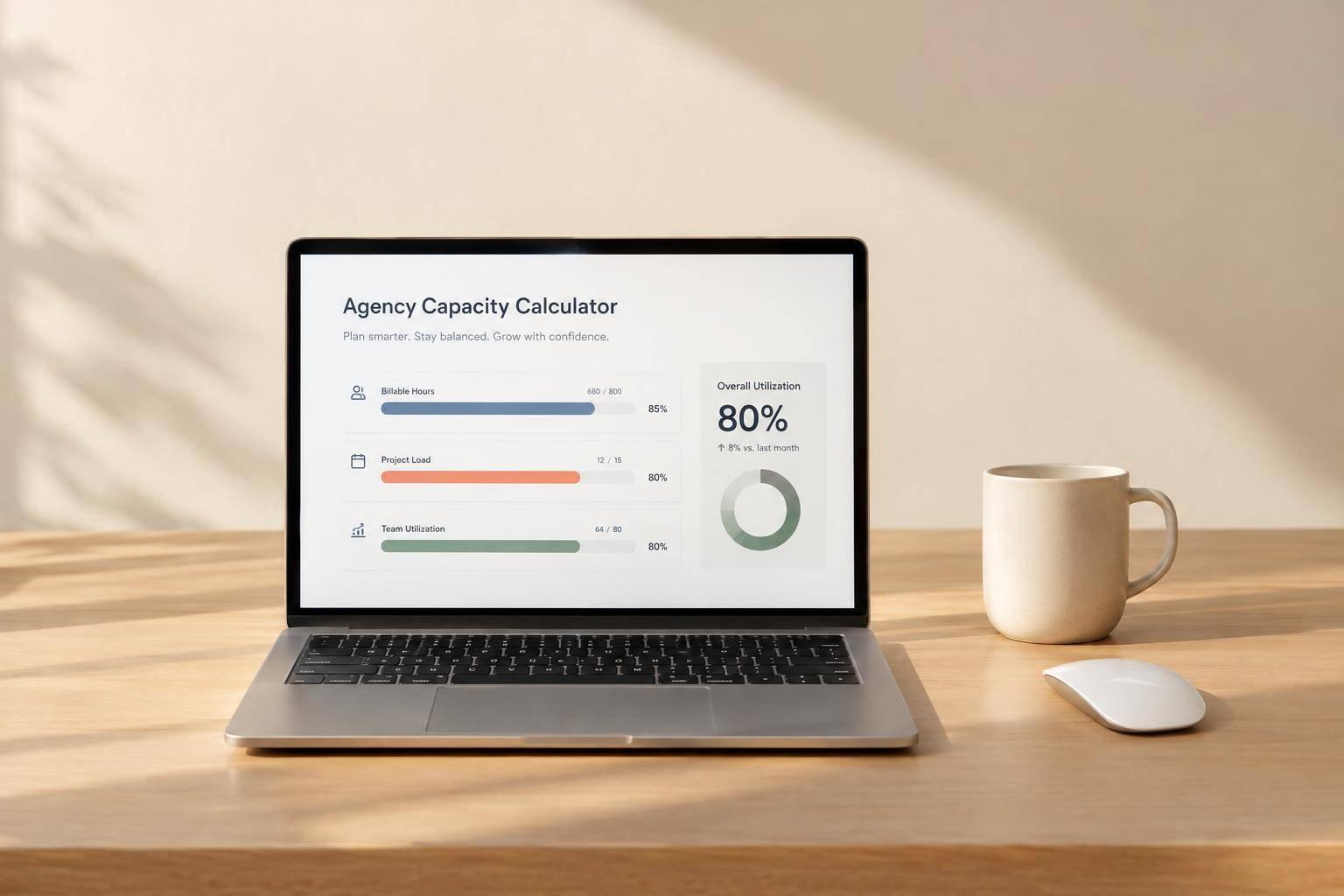
Plan Agency Workload With More Confidence
An Agency Capacity Calculator helps you answer a simple but important question: how many hours does your team really have available? For agencies, that number is rarely as straightforward as headcount multiplied by hours. Internal meetings, time off, admin work, and strategic projects all reduce what can actually be delivered to clients.
A Faster Way to Estimate Team Availability
This tool is built for planning, not project tracking. You can enter team size, weekly schedule, planning period, and unavailable time to calculate gross and net capacity in a few seconds. If your agency works toward a utilization goal, the calculator also shows target billable capacity, which makes forecasting much easier.
Useful for Staffing, Forecasting, and Resourcing
A solid agency capacity calculator can help with monthly planning, campaign staffing, and resourcing decisions before problems show up. Add committed client hours and you’ll instantly see remaining availability, utilization rate, and whether the team is over capacity. That makes it easier to spot risk early and have better conversations around delivery timelines, hiring needs, or workload balance.
For agencies that want clear numbers without complicated software, this team capacity planning tool offers a simple, practical way to plan ahead.
FAQs
What’s the difference between gross capacity and net capacity?
Gross capacity is the total number of hours your team could theoretically work during the planning period based on headcount, working days, and hours per day. Net capacity is what’s left after you subtract unavailable time, such as internal meetings, PTO, training, admin work, or other non-billable hours. Net capacity is usually the more useful number for actual planning because it reflects real-world availability.
Should I use unavailable hours or a percentage?
Use whichever format matches how your agency plans time. If you already know the exact number of unavailable hours for the period, enter hours directly. If you usually think in broader assumptions like 15% for internal overhead or 20% for non-billable work, the percentage option is easier. The calculator will convert that percentage into hours based on gross capacity, so you can compare everything in one consistent view.
How should I interpret a negative remaining capacity result?
A negative remaining capacity means your team is over capacity for the selected planning period. In practical terms, you’ve committed more work than the team can handle within the available or target billable hours. That’s a useful planning signal: you may need to rebalance workloads, shift deadlines, increase staffing, reduce scope, or revisit your utilization target before the period begins.